The difference between AI that guesses and AI that delivers is one skill.
AI models don't fact-check themselves. They fabricate statistics, cite sources that don't exist, and deliver it with confidence. Prompt engineering is the skill that closes that gap. This library gives you the tools, frameworks, and templates to build prompts that produce outputs you can actually trust.
Same AI. Different Prompt. Completely Different Result.
The quality of your AI output is directly proportional to the quality of your input. Here's what that looks like in practice.
1. All employees should use strong passwords
2. Data should be backed up regularly
3. Access should be limited to authorized personnel
4. Security training should be conducted annually
Generic, vague, not actionable. No framework alignment. No scope definition. Could apply to any organization in any industry.
Aligned: HIPAA §164.312(a)(1), NIST AC-2, AC-3, AC-6
1. Policy Statement: Access to EHR systems shall be granted on a least-privilege basis with role-based access controls (RBAC)...
Specific, scoped, framework-aligned, immediately actionable. Cites real controls. Tailored to industry.
Why Prompt Engineering Matters
It's not about tricks or hacks. It's about systematically structuring AI inputs to get reliable, accurate, and useful outputs every time.
Your Prompt Engineering Path
Four phases from writing your first structured prompt to designing autonomous agent workflows. Each phase has a deep-dive article by Lisa Yu. Click any phase to explore.
New to prompting? Start with the Beginner's Guide
The Direct Instructor — Zero-Shot Prompting
Phase 1Zero-shot prompting is where you write a single instruction and get a usable result without showing the model any examples. You're treating the language model as a prediction engine that completes patterns, not as a chatbot having a conversation.
The Pattern Builder — Few-Shot Prompting
Phase 2Few-shot prompting shifts your approach from telling the model what to do to showing it what you want. You provide 2-5 examples of the input-output pattern you need, then let the model complete the next instance.
Chain-of-Thought Prompting — Reasoning & Error Reduction
Phase 3Reasoning strategies teach the model to show its work before giving an answer. Instead of jumping directly to a conclusion, the model breaks down the problem, documents each step, and builds toward the solution incrementally.
The System Engineer — Agents & Autonomous Workflows
Phase 4Agent systems move beyond single-prompt interactions to automated workflows where the model decides which tools to use, executes actions, and adapts based on results. You're no longer writing prompts. You're designing decision loops.
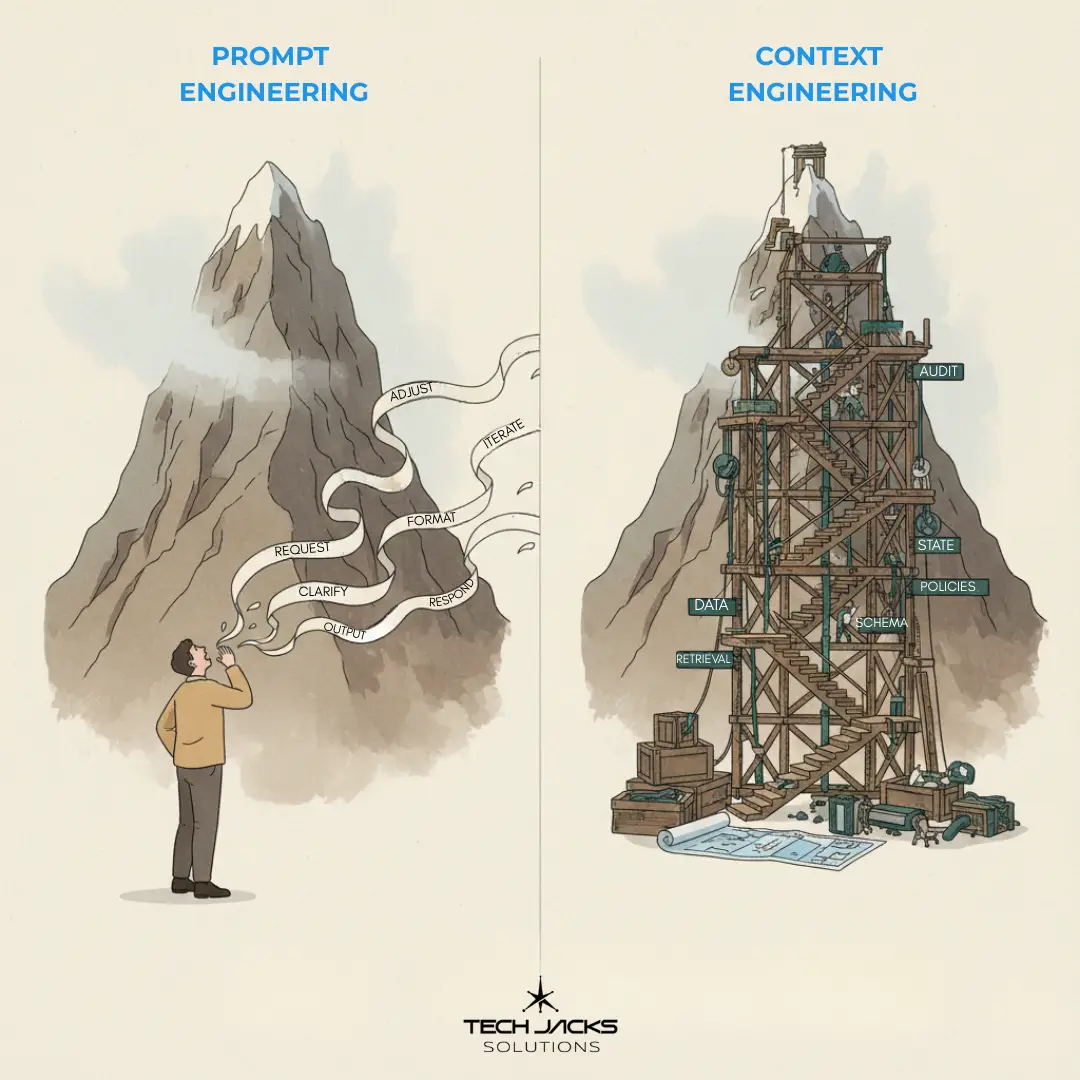
Why Context Engineering Is Rewriting the Rules of Enterprise AI
You've mastered the prompt. Now learn why the surrounding context matters even more for enterprise-scale AI systems.
Read ArticlePrompt Framework Simulator
Compare four proven frameworks side by side. Select a framework, fill in the fields (or try an example), and see the structured prompt it produces.
Generated Prompt
Prompt Templates
Ready-to-use templates organized by use case. Click any template to copy it.
GAIO — Guardrail Architecture for Informed Output
An open, modular standard for making AI outputs more accurate, consistent, and trustworthy. Created and maintained by Tech Jacks Solutions.
The Problem GAIO Solves
AI models fabricate. They invent statistics, generate fake URLs, cite nonexistent studies, and present speculation as fact — confidently and consistently. Existing solutions are either too technical for most users, too vague to be actionable, or locked inside specific platforms. GAIO is the open standard that closes that gap.
Answer 6-7 simple questions in the widget. Copy the output. Paste into your AI platform. Done — your AI now has guardrails. No prompt engineering knowledge required.
Customize the framework directly from the markdown documentation. Fork, modify, and integrate into your own workflows. 13 modular sections, each independently usable.
Integrate guardrails into applications, APIs, and automated pipelines. Model-agnostic — works with ChatGPT, Claude, Gemini, open-source models, or any platform that accepts system prompts.
How It Works: Two-Layer Architecture
Plain language questions with sensible defaults. The basic setup is 6-7 questions. Advanced options are hidden until you need them. A non-technical user should never feel intimidated.
Structured, hierarchical rules optimized for LLM parsing. Tagged sections, explicit rules, clear boundaries. Generated automatically from your answers. You never have to read this layer.
The 13 Framework Modules
Platform Compatibility
Enforcement Modes
All rules enforced. For organizations, regulated industries, and professional use cases where scope should never relax.
Anti-fabrication fully enforced. Scope and escalation shift to advisory. For individuals and creative professionals who need accuracy without rigidity.
AI Persona Generator
Build structured role definitions that shape AI behavior before you write a single instruction. Choose a preset or create a custom persona.
Generated Persona Definition
Downloadable Resources
Take it with you. Cheat sheets, reference cards, and guides you can download, print, and share with your team.
Help Us Improve
This library is a living resource. Your feedback shapes what we build next.