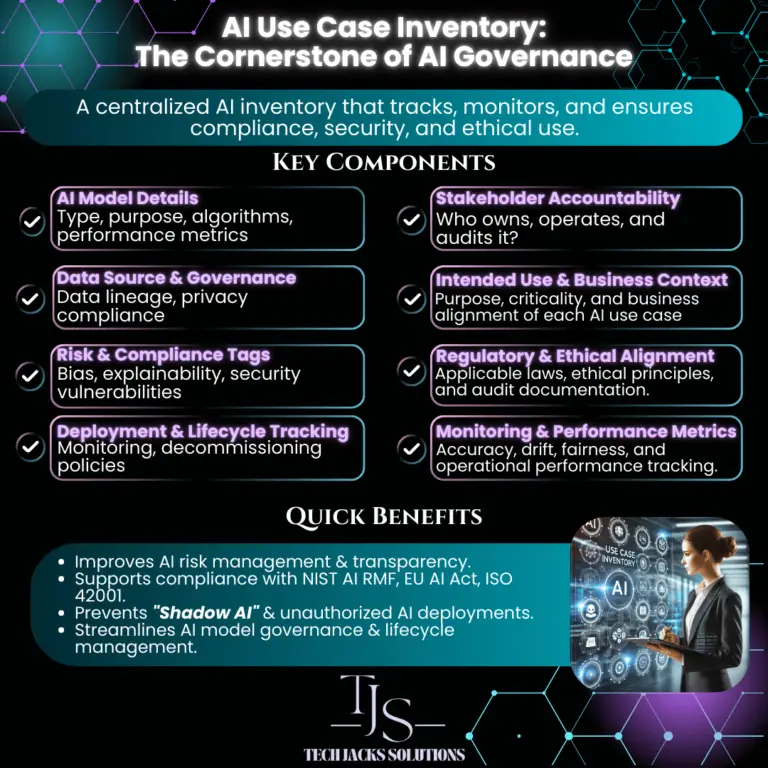

Why Your Organization Needs a Comprehensive AI Use Case Tracker
And What to Track: The 40-Field Guide for Complete AI Visibility
You know what’s funny about AI governance? Everyone talks about it, but most organizations are flying blind. They’ve got AI systems scattered across departments, no one knows who owns what, and when regulators come knocking, it’s a scramble to find documentation.
An AI Use Case Tracker fixes this mess. Think of it as a master spreadsheet that answers the question: “What AI are we actually using, and should we be worried about any of it?”
What You Should Track (And Why Each Matters)
Not every field applies to every AI system. Start with Identification & Ownership for all systems, then add fields based on risk level. Low-risk internal tools may only need 10–15 fields. High-risk customer-facing systems need all 40.
Ready to start tracking?
Download the pre-built template with all 40 fields, dropdowns, and risk scoring.
Get the 40-Field Tracker Template → Download the Checklist →AI Inherent Risk Tiers
Rate each AI system based on its autonomy level and potential impact on people. The EU AI Act defines four risk tiers with different requirements for each.
AI Autonomy × Data Sensitivity
Don’t overcomplicate this. High autonomy + sensitive data = High risk. Low autonomy + public data = Low risk.
Data Sensitivity →
Need the full regulatory mapping?
See exactly which NIST, ISO, EU AI Act, and GDPR clauses apply to each of the 40 fields.
Grab the Cheat Sheet → Free Download →What a Completed Tracker Entry Looks Like
Here’s what a fully documented AI Use Case Tracker entry looks like for a real system — Anthropic’s Claude, used as an internal productivity assistant. The heat indicators show where risk concentrates.
Want a blank version of this?
The fillable tracker template includes all 40 fields with the same structure as this example.
Download Fillable Tracker →Making This Actually Work
An AI Use Case Tracker is only useful if it’s accurate and current.
Interactive Tracker Template
Explore our pre-built tracker template below. Copy it to your own Airtable workspace or use it as a reference for building your own.